OLS HUD
OLS HUD is the on-screen interface for your FiveM server: status, speedometer, chat, notifications, announcements, progress bars, safe zones, money, voice level, weapon info, and an in-game settings panel. It is built for the OceanLineStudios stack (ols_base) and uses a modern web UI.
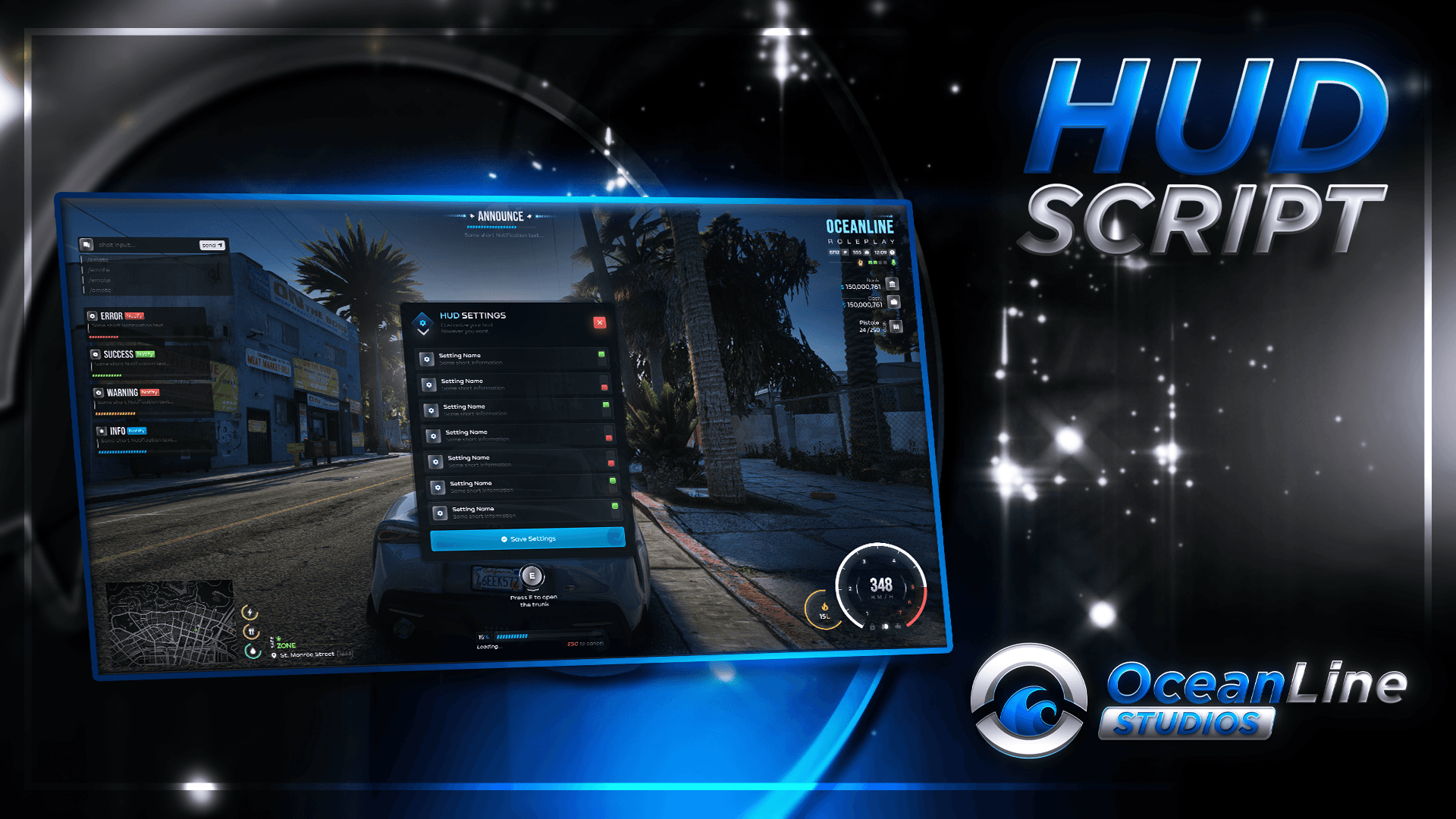
You do not need to be a developer to change how the HUD looks and behaves. Most changes are made by editing files in the configs/, locales/, and data/ folders inside the resource.
If you bought an escrowed build, those folders are usually still editable (they are listed under escrow_ignore in the resource manifest). Always keep a backup before editing.
What you can configure
| Topic | Where to read |
|---|---|
| Installing and starting the resource | Installation |
| Main settings (server name, commands, voice, chat, API names) | Main config |
| Safe zones (no-PvP areas, blips, rules inside the bubble) | Safezones |
| Languages and postal codes on the map | Locales & data files |
| In-game commands (announce, OOC, IDs, team chat, settings) | Commands |
| Something not working | Common issues |
| Calling the HUD from other scripts | Client exports, Server exports |
| Shared stack (framework bridge, voice detection, base config) | OLS Base |
Quick requirements
These resources must be installed and started before OLS HUD (see Installation for details):
- Your framework core (e.g. ESX
es_extended, QBCoreqb-core, or Qboxqbx_core) — required by OLS Base, which HUD uses - ox_lib
- oxmysql
- ols_base — see OLS Base for install order and
config.lua
Quick install (overview)
Install dependencies
Install and ensure ox_lib, oxmysql, and ols_base in the correct order for your server.
Add the resource
Place the ols_hud folder in your server resources directory (for example under [ols]).
Enable in server.cfg
Add ensure ols_hud after the dependencies. Restart the server or start the resource.
For step-by-step detail, open Installation.